
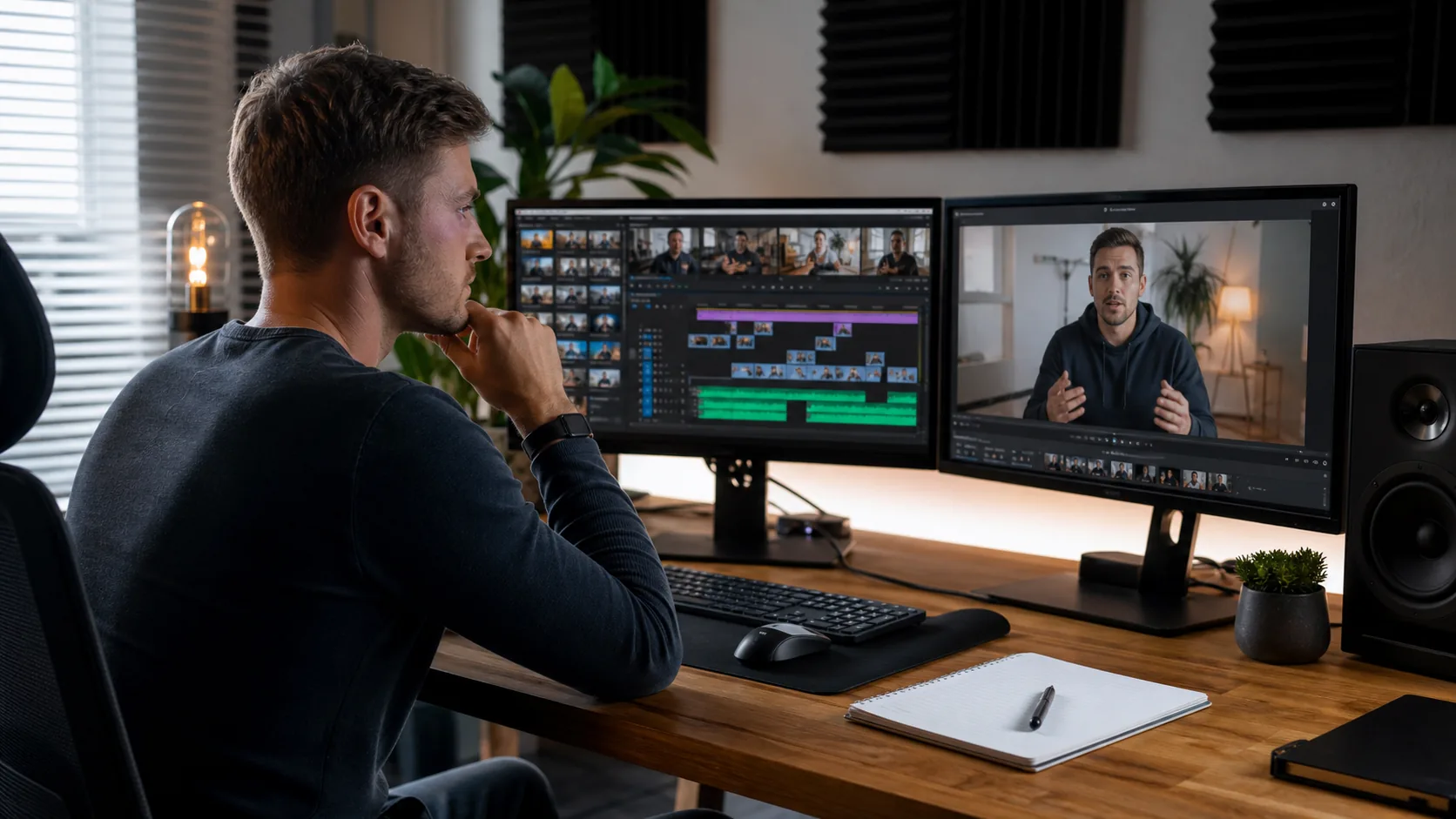
Two creators can request videos with the same finished length and receive very different quotes. One sends a clean talking-head recording with a marked script. The other sends several camera cards, separate audio, screen recordings, and a folder of unlabeled B-roll. The second project asks the editor to make far more decisions.
Generic rate charts strip out the details that shape the work. Use the scope framework below to request a quote that fits your channel.
What shapes the cost to edit a YouTube video?
The biggest quote drivers are the amount and condition of the source media, the creative decisions an editor must make, and the polish expected in the final cut. Revisions, turnaround, graphics, music sourcing, and extra versions also change the workload. Final runtime alone gives an editor too little information.
Raw footage and file organization
Before making a visible cut, an editor may need to download, label, sync, and convert camera files into proxies that play smoothly. Long interviews also require selects, the process of finding the strongest usable moments.
Organized media lowers uncertainty. Put camera footage, audio, screen captures, brand assets, and reference videos in separate folders. Add a readme with speaker names and must-use timestamps. The companion article on video editing turnaround times shows how media prep affects delivery.
Story, pacing, and creative direction
A marked script tells the editor what to remove. An open-ended vlog asks the editor to find the story. Documentary videos, challenge videos, and video essays can require transcript review, restructuring, fact cards, B-roll research, and several passes before the cut feels coherent.
Label what you like about each reference. “Use this style” is vague. “Keep pauses short, use restrained captions, and add screenshots when the speaker names a tool” gives usable direction. See talking-head video editing and YouTube vlog editing.
Graphics, sound, captions, and B-roll
Basic editing may cover clean cuts, level balancing, simple color correction, and a standard export. Motion graphics, animated maps, tracked callouts, custom sound design, manual captions, licensed stock, and visual research add separate work blocks. Ask whether the quote includes asset licensing and who approves substitutions.
Creators who need animated explainers or branded sequences should review motion graphics services before sending the brief. This keeps a graphics-heavy request from being quoted like a basic cut.
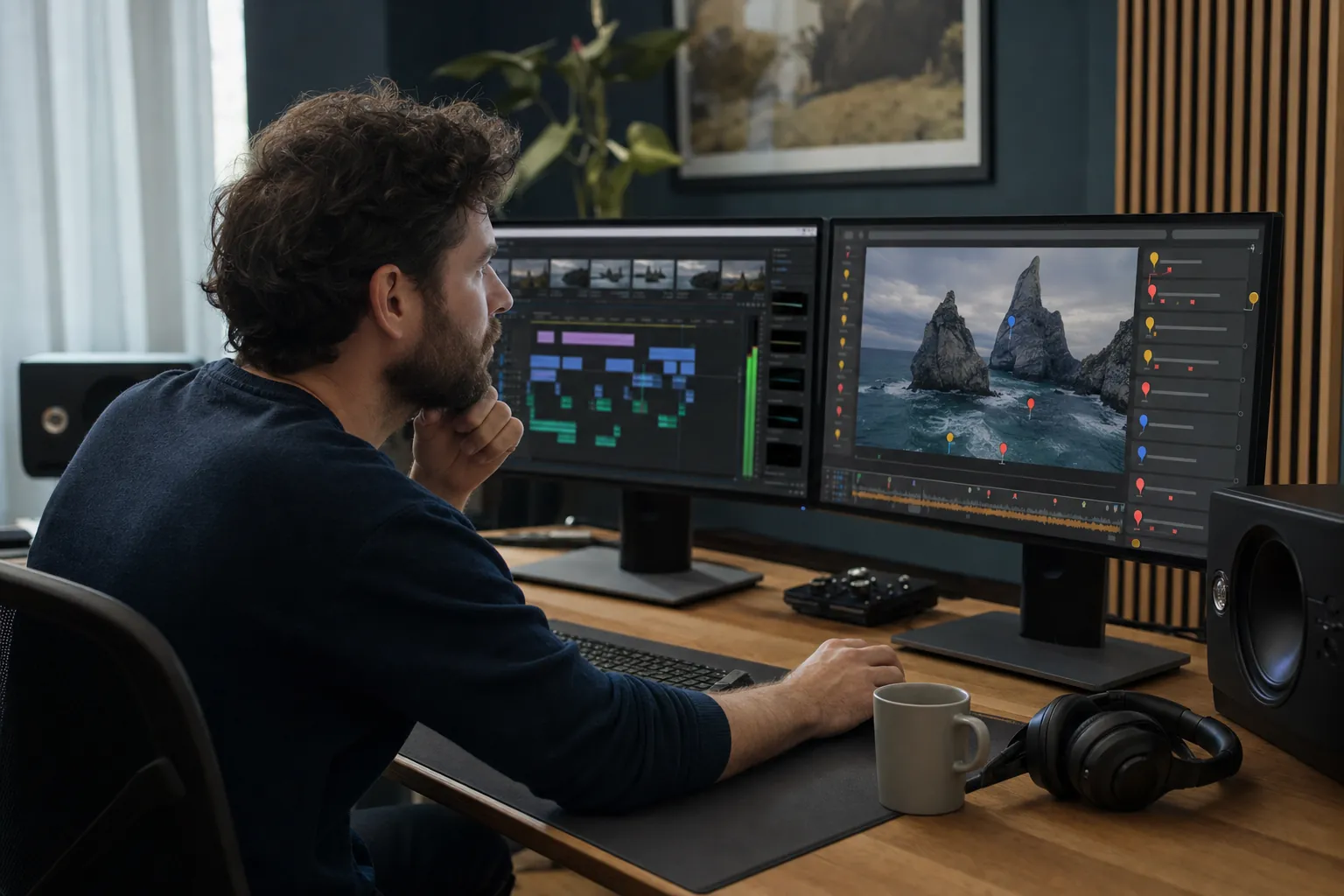
Revisions and turnaround
One decision-maker and one consolidated note list keep a project moving. Your quote should state the included review rounds, what counts as a revision, and what happens when the brief changes after the first cut.
Rush work can also affect the quote because the editor may need to rearrange an existing schedule. Share the true publishing deadline, not an artificial early date. A trustworthy editor will tell you whether the requested scope fits the calendar.
YouTube editing quote levels without generic rate charts
Group proposals into four scope levels: clean cut, creator standard, retention-led edit, and channel production. These labels describe the work and expose missing items before you sign.
| Scope level | Typical work included | Best fit | Questions to ask |
|---|---|---|---|
| Clean cut | Trimming, basic pacing, audio levels, simple color work, standard export | Clean talking heads, lessons, internal updates | Are captions, music, and revisions included? |
| Creator standard | Story cleanup, B-roll placement, branded titles, captions, music, sound cleanup | Weekly creator videos and interviews | Who supplies B-roll and brand assets? |
| Retention-led edit | Hook refinement, pace changes, visual resets, tighter story structure, analytics feedback | Channels trying to improve watch time | Which retention signals will the editor review? |
| Channel production | Editing plus repurposed clips, thumbnails, upload support, file management, recurring planning | Creators with a steady publishing calendar | Which tasks sit outside the monthly scope? |
Short-form vs. long-form editing scope
Short-form videos have fewer finished minutes, but they often carry dense editing. Long-form videos demand more story management and media review. A Short with word-by-word captions, masking, sound hits, and frequent visual changes may require more work per finished second than a calm interview.
Long-form jobs grow through footage volume, narrative decisions, multicamera sync, research, and review time. A creator may also request several Shorts from the long-form master. Treat those clips as separate outputs with their own hooks, captions, framing, and platform checks.
For vertical content, compare your brief with the site’s Shorts editing service and its article on short-form editing workflow.
Should you pay per video or use a monthly retainer?
Pay per video when your upload schedule changes, your format is still developing, or you want to test a working relationship. A monthly retainer fits creators with a stable cadence, repeatable formats, predictable feedback, and enough work to reserve an editor’s production time.
Per-video work fits testing and irregular schedules
A project agreement gives both sides a defined start and finish. It works well for a pilot episode, a seasonal campaign, or a channel that publishes only when footage is ready. The creator can compare fit and communication before making a longer commitment.
Watch for hidden ambiguity. The agreement should list the target runtime, source-footage limit, revision policy, delivery date, included assets, and extra formats. If you are still deciding who to hire, compare the tradeoffs in video editing agency vs. freelancer.
A retainer fits repeatable production
A retainer reserves capacity and lets the editor learn your channel. Reusable caption styles, sound presets, file structures, and familiarity with your pacing cut briefing time.
Define the monthly ceiling. State the number and type of videos, approximate source volume, revision rounds, carryover policy, pause terms, and response times. The article on how to outsource video editing provides a practical handoff process.
What is retention editing?
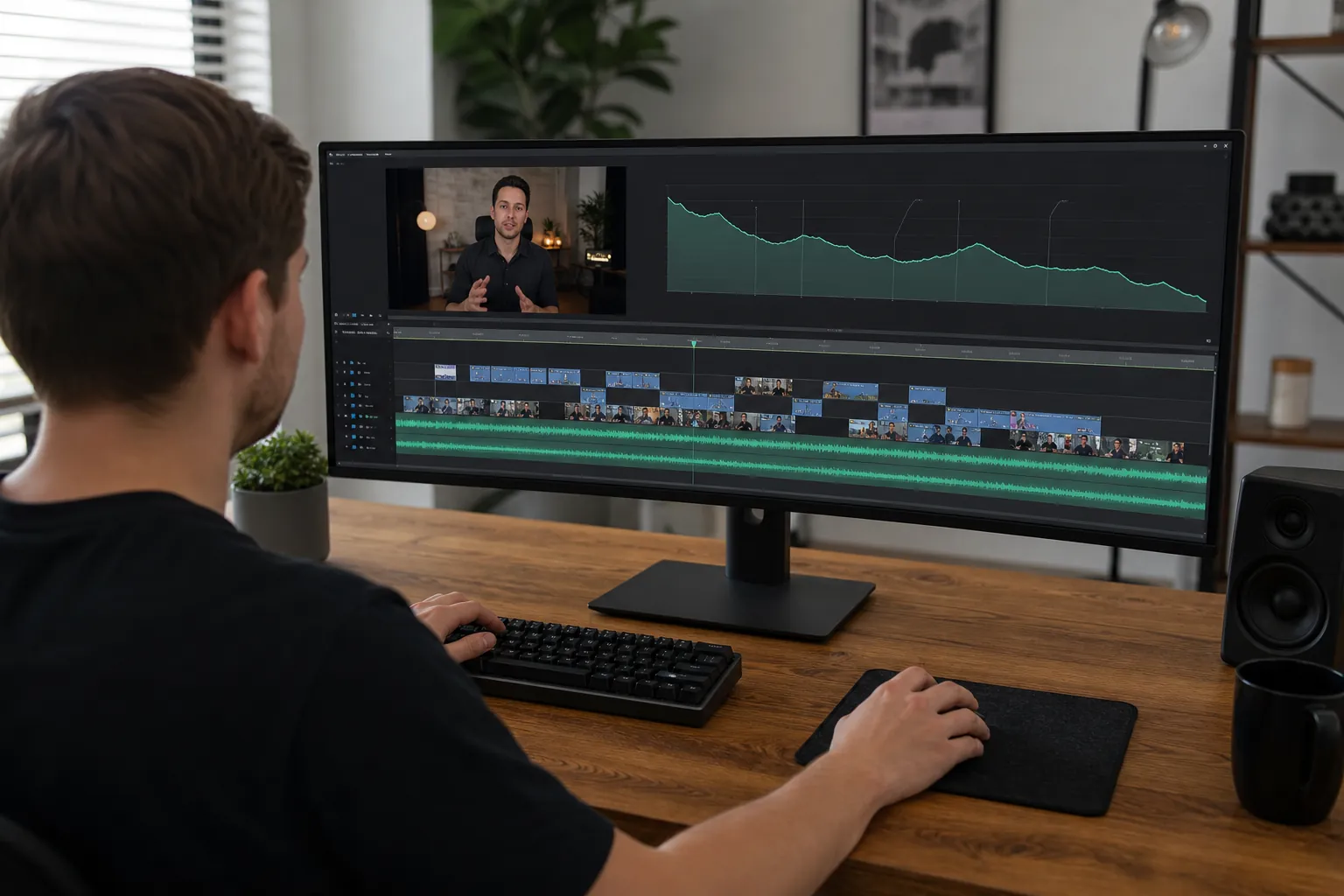
Retention editing uses story structure, pacing, visual changes, and audio cues to reduce avoidable viewer drop-off. The editor studies the hook, removes repetition, resets attention when the screen stays static, and checks whether each section earns the next. Good retention work supports the idea instead of adding effects on a timer.
Ask how the editor uses YouTube Analytics. A useful answer should mention retention graphs, dips, spikes, average view duration, and traffic context. No editor can promise a result because topic, title, thumbnail, audience fit, and distribution also affect viewing behavior.
Retention editing can include:
- Opening on the clearest promise or strongest moment
- Removing repeated explanations and dead air
- Using B-roll when it adds proof or context
- Changing framing, graphics, or sound when attention needs a reset
- Reviewing published results to improve the next edit
Do YouTube editors make thumbnails too?
Some YouTube editors design thumbnails, while others focus only on post-production. Treat thumbnail design as a named scope item. Ask whether the editor supplies one concept, several options, source files, revisions, and alternate versions for testing.
YouTube reports that custom thumbnails appear on most of its best-performing videos, and it recommends reviewing click-through behavior in Analytics. Read YouTube’s official thumbnail and title tips. A polished edit still needs a truthful package that earns the click.
How to request a quote you can compare
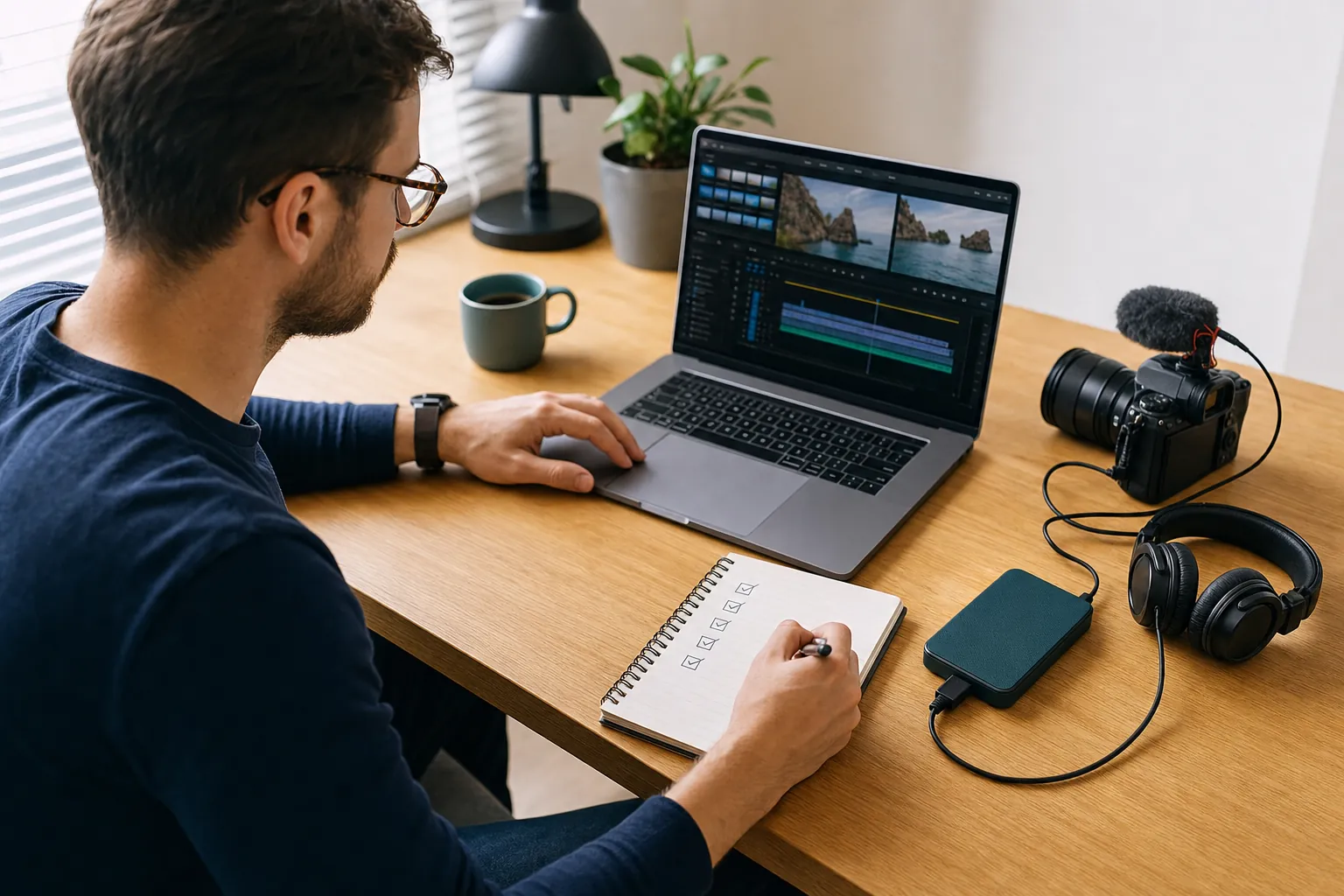
Give every editor the same facts. Send a private sample of typical footage when possible, since a file shows camera quality and speaker delivery better than a paragraph.
- State the channel topic, audience, and goal for the video.
- Share the expected final runtime and typical raw-footage volume.
- Link two reference videos and label the specific traits you want.
- List captions, B-roll, graphics, music, sound repair, thumbnails, and repurposed clips.
- Set the delivery date, review process, and number of decision-makers.
- Describe your publishing cadence and whether work may become recurring.
- Ask for exclusions, revision terms, asset licensing rules, and source-file ownership in writing.
If the editor cannot explain what the quote includes, keep looking. Review the broader video editing services page or send your scope through the project contact form.
Key takeaways for creators
- Finished runtime is only one part of the quote. Raw media, story work, graphics, sound, revisions, and deadlines shape the workload.
- Compare written scopes rather than isolated totals.
- Per-video agreements suit testing and irregular uploads. Retainers suit stable formats and recurring production.
- Retention editing should connect creative decisions to viewer behavior, not fill every second with effects.
- Confirm thumbnails, captions, stock licensing, source files, and extra formats before work begins.
Final thoughts
The cost to edit a YouTube video becomes easier to judge once every proposal covers the same scope. Send your footage details, format, references, publishing cadence, and deadline for a written quote built around the work.
Frequently asked questions
Should I pay per video or use a monthly retainer?
Use per-video work for a pilot, an irregular schedule, or a new editor relationship. A monthly retainer fits a steady upload cadence and repeatable formats. Write the output limit, revision terms, response times, and pause policy into either agreement.
Do editors make thumbnails too?
Some do, but thumbnail design is a separate skill and should appear in the scope. Confirm the number of concepts, revisions, alternate versions, source files, and whether the designer reviews click-through data.
How does short-form editing differ from long-form editing?
Short-form work packs captions, reframing, sound cues, and visual changes into a small runtime. Long-form work often requires more footage review, story shaping, audio cleanup, B-roll research, and continuity checks.
What is retention editing?
Retention editing shapes the hook, story, pace, visuals, and sound to reduce avoidable viewer drop-off. The editor should review audience-retention data after publishing and use those findings on future videos.
What should a YouTube editing quote include?
The quote should list outputs, target runtime, source-footage limits, included creative work, delivery dates, revision rounds, licensing, source-file ownership, and any tasks that sit outside the agreement.
Does final video length decide the quote?
No. Final runtime affects the workload, but raw footage, story complexity, graphics, captions, sound repair, versions, and feedback often have a larger effect. Send a representative footage sample for a more accurate quote.
Can an editor promise higher audience retention?
No editor can promise a specific result. Editing affects watch behavior, but the topic, opening promise, thumbnail, title, audience fit, and traffic source also influence retention. Ask for a review process tied to channel analytics.