
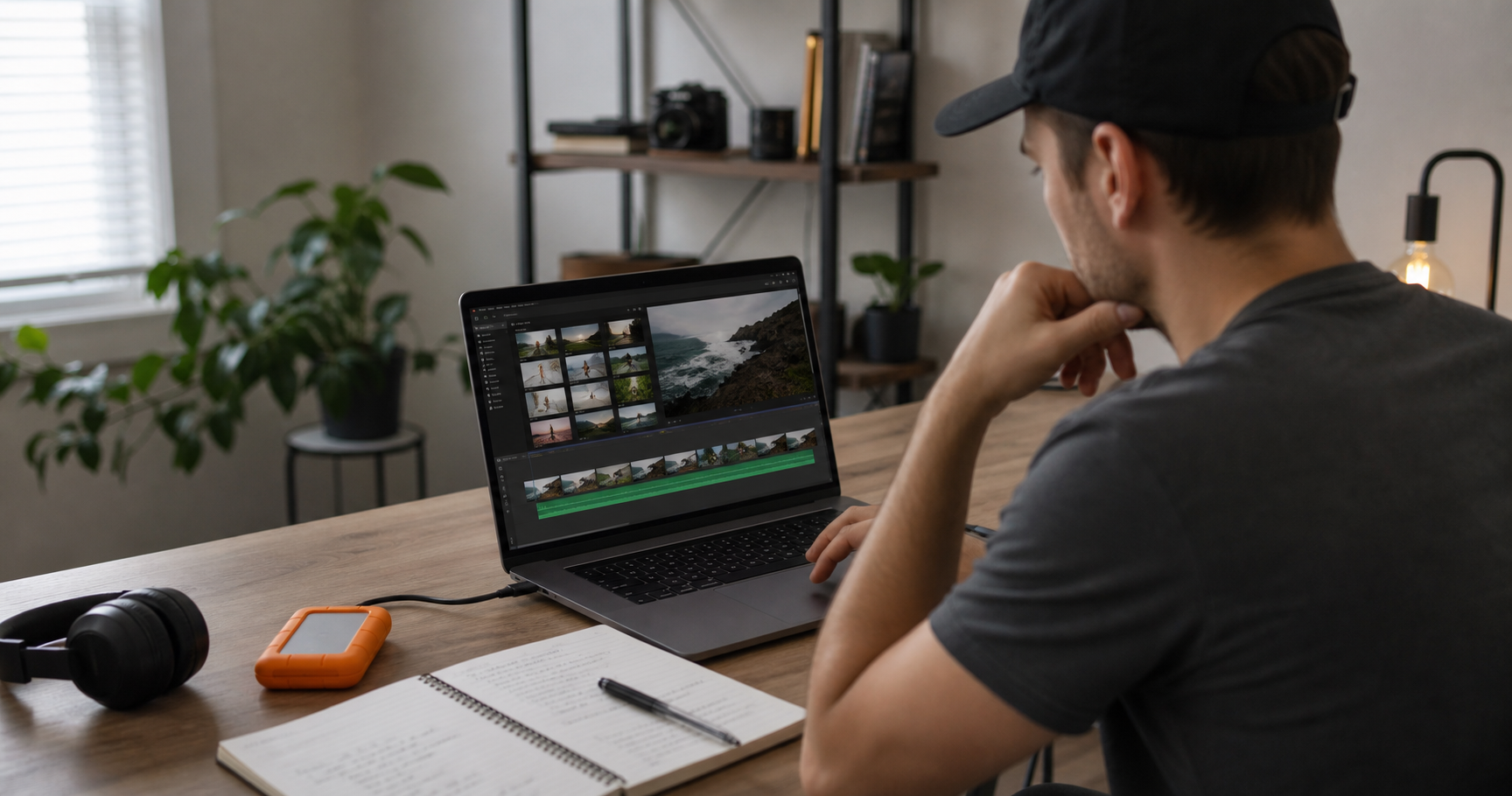
How to outsource video editing: decide what work you want to hand off, pick the right editor or agency, prepare your raw footage, write a clear editing brief, agree on pricing and revision rules, then test the process with one video before moving your full content calendar over.
Most US creators and businesses reach this point for the same reason: editing has become the bottleneck. Shooting is fun. Strategy feels useful. But trimming footage, syncing audio, finding B-roll, adding captions, formatting Shorts, and exporting five versions can swallow a full workday. A good editor gives that time back.
How do you know you are ready to outsource video editing?
You are ready when editing slows publishing, lowers consistency, or keeps you away from sales, filming, or client work. The first handoff should be a repeatable video type, not your most complex project.
Good candidates include YouTube videos, podcast clips, course lessons, real estate walkthroughs, corporate videos, product ads, and short-form content. If you already use a repeatable style, outsourcing gets easier because the editor can match examples instead of guessing.
- You have raw footage waiting longer than one week.
- You miss posting dates because edits are unfinished.
- Your videos need captions, hooks, pacing, thumbnails, or platform versions.
- Your time is worth more in filming, sales, or client delivery.
If you need a done-for-you editing partner, Synergy Creations Digital offers professional video editing services for brands, creators, and agencies. For teams publishing often, the YouTube automation and video editing service can also help with repeat production.
How to outsource video editing in 7 steps
The best way to outsource video editing is to treat the first project like a trial run. A small paid test shows how the editor handles footage, instructions, deadlines, and revisions.
- Pick one video format. Start with one recurring format, such as talking-head videos, podcast clips, Reels, Shorts, or product videos.
- Choose your editing partner. Decide whether you need a freelancer, agency, or monthly editing team.
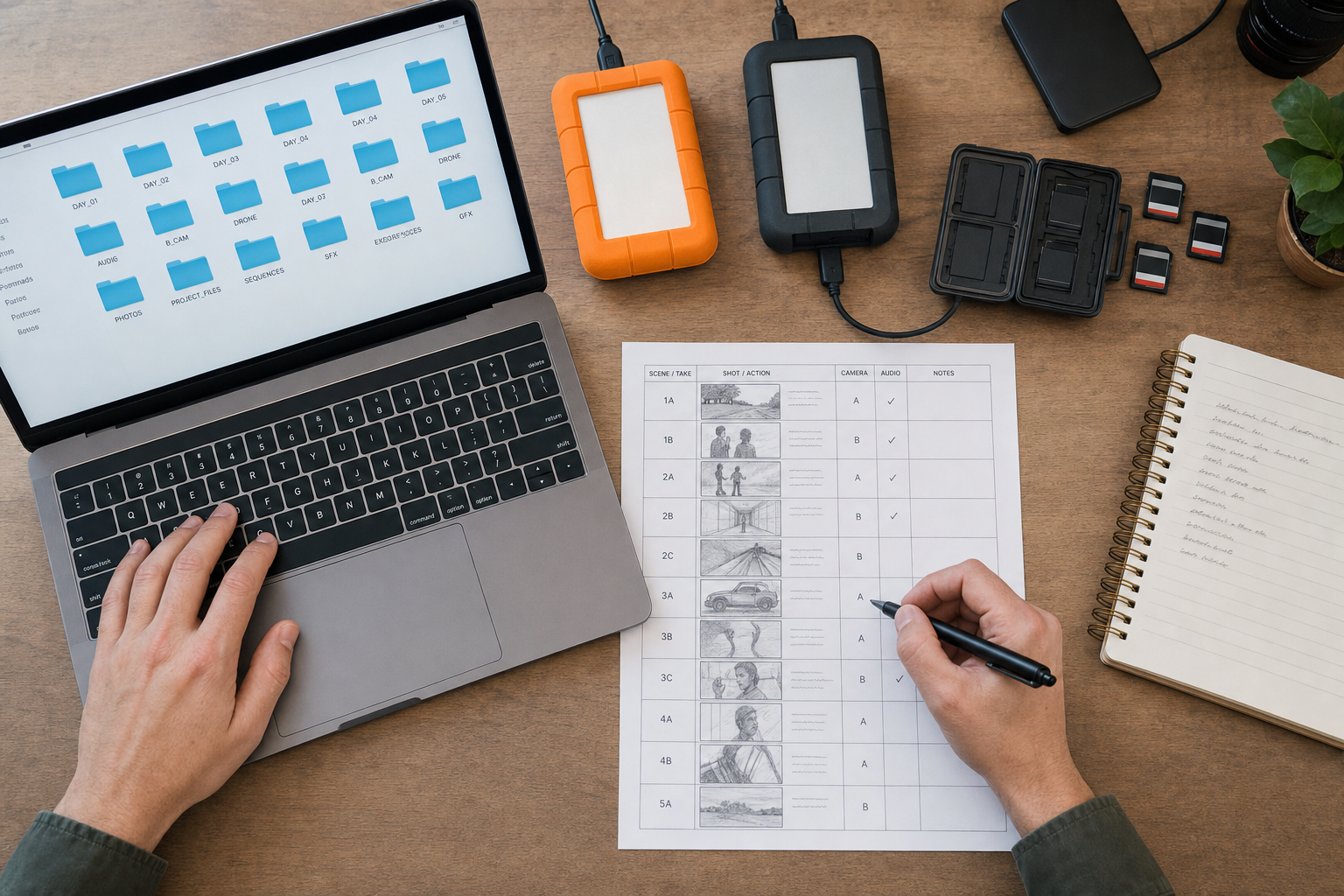
- Prepare your files. Organize raw footage, audio, graphics, brand assets, music notes, and reference videos.
- Write the brief. Explain the goal, audience, hook, pacing, length, platform, CTA, and examples.
- Set review rules. Agree on revision rounds, turnaround time, feedback format, and export settings.
- Run a paid test. Send one real video and judge the result against your brief.
- Build a repeat process. Save your folder structure, brief template, feedback style, and export checklist.
Should you hire a freelancer, an agency, or an in-house editor?
Freelancers work well for smaller budgets and flexible projects. Agencies are better when you need more capacity, backups, and repeatable systems. In-house editors fit teams with daily editing needs.
| Buying Factor | Freelancer | Agency |
|---|---|---|
| Best fit | One-off edits, repeat creator content, lean budgets | Brand campaigns, content calendars, sales assets, multi-stakeholder work |
| Typical pricing style | Lower overhead, often flexible | Higher-touch, often packaged |
| Creative direction | Depends on the editor | Usually included or available |
| Revision handling | Often informal | Usually managed through a review process |
| Reliability | Can be excellent, but depends on one person | Stronger backup if someone is unavailable |
| Scaling volume | Harder past a certain workload | Better for weekly or monthly output |
If you are weighing the tradeoffs, this comparison of a video editing agency vs freelancer breaks down the decision in more detail. For pricing expectations, see the current video editing cost breakdown.
What should you include in a video editing brief?
A strong editing brief tells the editor what the video should accomplish, who it is for, and what style to match. The brief should be short enough to use every week.
Include these details:
- Project name and deadline
- Target platform, such as YouTube, Instagram, TikTok, LinkedIn, or a website
- Desired length and aspect ratio
- Viewer goal, such as subscribe, book a call, buy, or watch another video
- Style references with links to previous videos
- Brand assets, fonts, colors, lower thirds, logo, and music rules
- Must-use clips, remove-list, and any sensitive content
- Export settings and file naming rules
Creators who are turning a batch of raw clips into finished content may also find this article on creating professional content from raw footage useful.
How do revisions work with an outsourced editor?
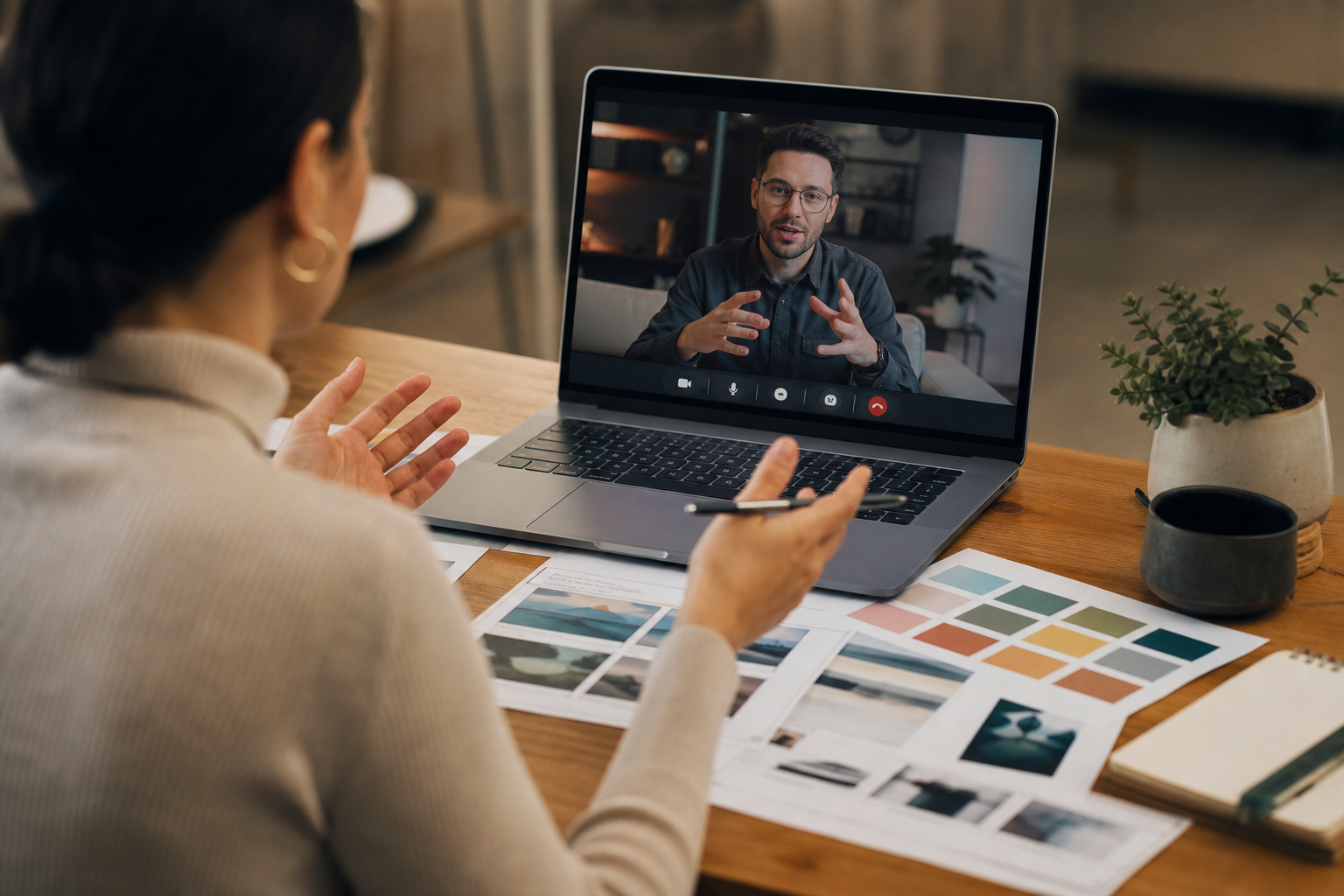
Most editing projects include one or two revision rounds. The fastest reviews use time-stamped comments, grouped feedback, and one decision maker.
Give notes like this: At 01:14, cut the pause before the CTA. Or: Use the tighter angle from Camera B between 02:10 and 02:25. Avoid scattered messages across email, texts, and voice notes. Put feedback in Frame.io, Vimeo Review, Google Docs, ClickUp, Trello, or one agreed channel.
| Feedback type | Good note | Weak note |
|---|---|---|
| Pacing | Cut the first 4 seconds before the hook. | Make it punchier. |
| Captions | Use sentence case and keep lines under 8 words. | Fix captions. |
| Branding | Use the blue lower third from the brand folder. | Make it more on-brand. |

What files does an editor need from you?
An editor needs the raw footage, clean audio, project notes, brand assets, music rules, captions or scripts, and export requirements. Missing files cause more delays than editing skill gaps.
Use a simple folder setup:
- 01 Raw Footage
- 02 Audio
- 03 Script and Brief
- 04 Brand Assets
- 05 Music and SFX
- 06 Exports
For short-form clips, include the long video, pull-quote notes, preferred hook style, caption rules, and platform size. The engaging Shorts editing page shows the kind of output businesses often want from one longer recording.
How do you protect quality after outsourcing?
Quality improves when the editor has clear examples, repeat rules, and honest feedback after each project. A shared style sheet prevents the same notes from returning every week.
Create a one-page editing style sheet with approved intros, caption rules, music volume, color grade references, jump-cut style, B-roll rules, CTA placement, and export settings. Save examples of edits you liked and edits you rejected. Editors learn faster from samples than from abstract direction.
Businesses producing training, sales, or internal content should keep brand and compliance notes in writing. The corporate video editing service page is a useful reference for more structured business video needs.
Final Thoughts
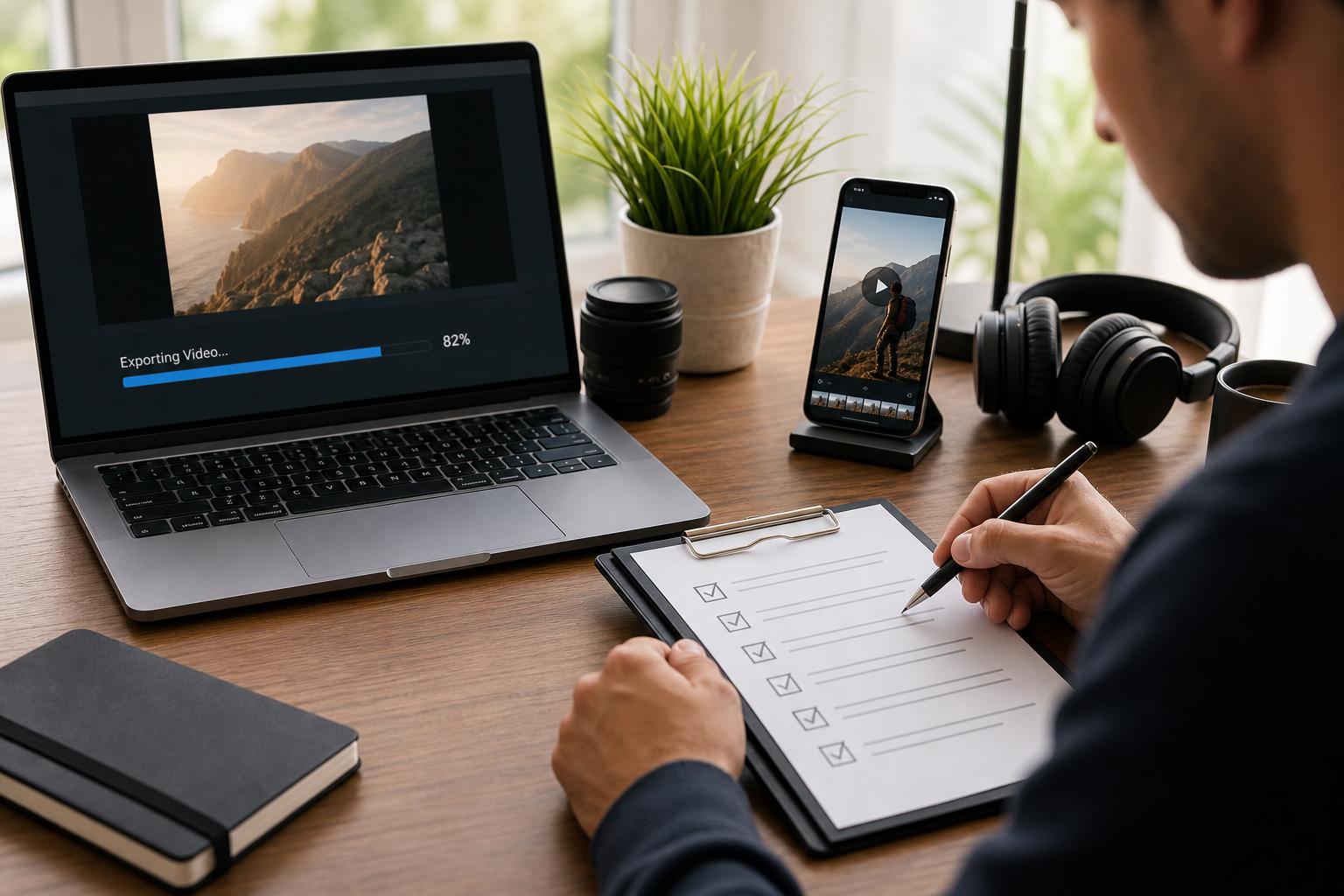
Outsourcing video editing works best when you send organized files, give clear direction, and start with one paid test. Once the process is repeatable, you can publish more often without spending your best hours inside the editing timeline.
If you are ready to delegate editing, use the Synergy Creations Digital contact page to share your footage type, posting schedule, and editing goals.