
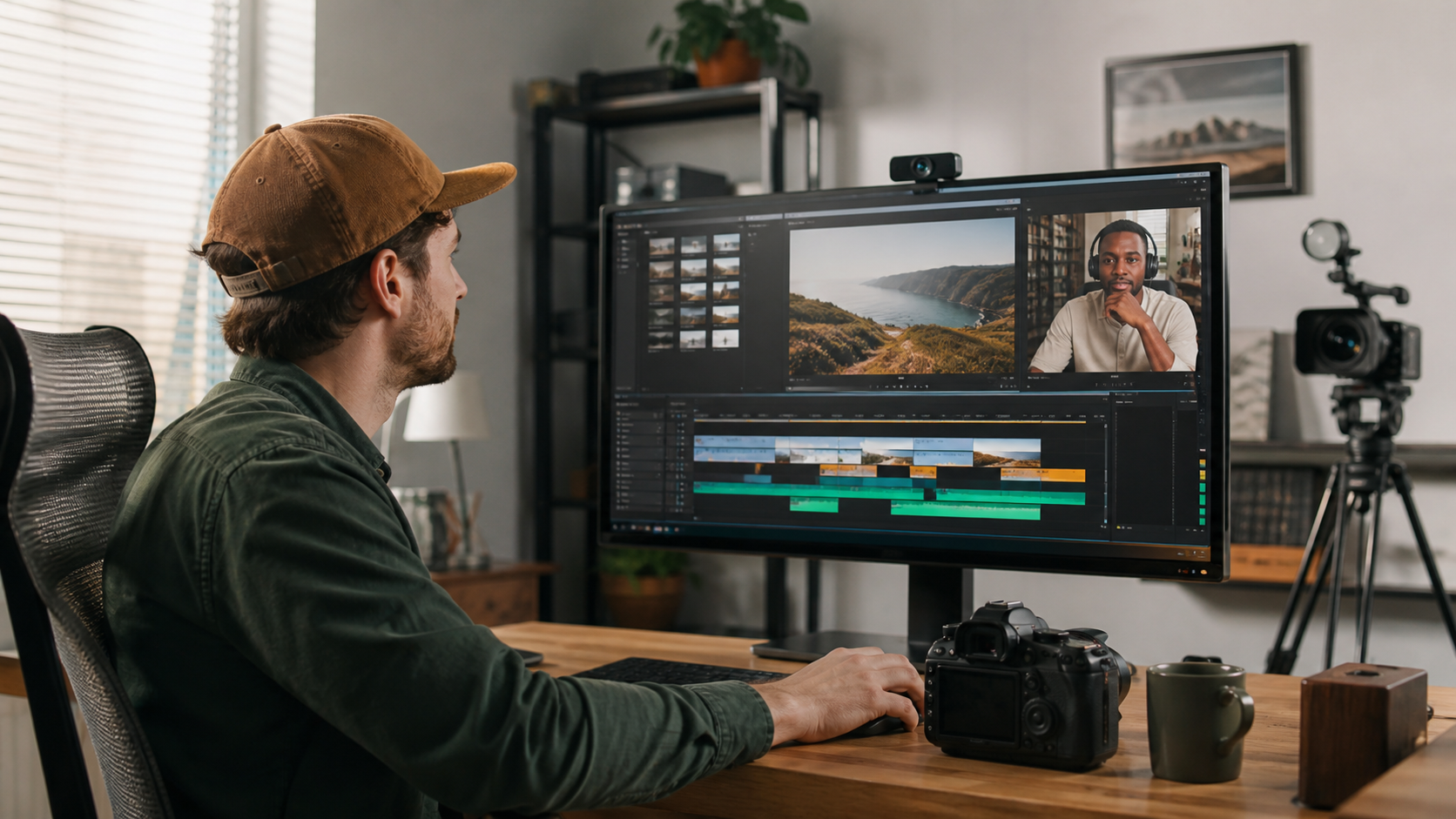
A search for a video editor near me usually starts with a practical concern: you want someone who gets your content, responds on time, and can turn raw footage into a finished video without a messy handoff. A nearby editor can do that. So can a remote video editing team working from another state or country. The better fit depends on how you shoot, review, and publish.
For most US creators, distance has less effect on the final cut than the editor’s process. Clear briefs, organized footage, time-coded feedback, and dependable delivery shape the working relationship far more than a shared ZIP code.
Video Editor Near Me vs Remote Video Editing at a Glance
A local editor is useful when production requires in-person media handling, live edit sessions, or regular attendance on set. Remote video editing opens a wider talent pool and works well for repeatable post-production, online review, and creators who publish on a steady schedule.
| Decision factor | Local video editor | Remote video editor |
|---|---|---|
| Talent pool | Limited to your area | Available across the US and beyond |
| Collaboration | In-person or online | Online, often asynchronous |
| Footage handoff | Cloud upload or physical drive | Cloud upload, proxy files, or shipped drive |
| Live edit sessions | Easy to arrange in person | Handled through screen sharing |
| Scheduling | Shared local hours | Depends on agreed overlap hours |
| Best fit | On-set support and hands-on sessions | Recurring videos and organized online workflows |
What "Near Me" Searchers Are Usually Trying to Solve
People who type "video editor near me" often want accountability, quick communication, and confidence that the editor will follow the brief. Those needs don’t require an office nearby. They require a documented post-production process and a person who communicates before problems turn into missed upload dates.
Creators who aren’t sure where editing begins can review what a professional video editor handles, from selecting takes and shaping pace to sound cleanup, color work, captions, and exports.
When a Local Video Editor Earns the Shortlist
Local hiring makes sense when the work includes more than post-production. An editor who also manages footage on set, builds same-day cuts at an event, or sits with a director during detailed review sessions gains real value from being nearby.
You handle sensitive footage on physical media
Some corporate interviews, legal recordings, unreleased products, or private events call for tighter control over media. A local handoff can reduce online transfers. You still need written rules for drive encryption, backups, retention, and deletion after approval.
The editor also joins production
Editors who attend shoots can flag missing coverage, continuity gaps, poor audio, or shots that won’t cut together. That overlap is useful for commercial shoots and events. Creators who only need post-production can hire remotely without giving up editorial quality.
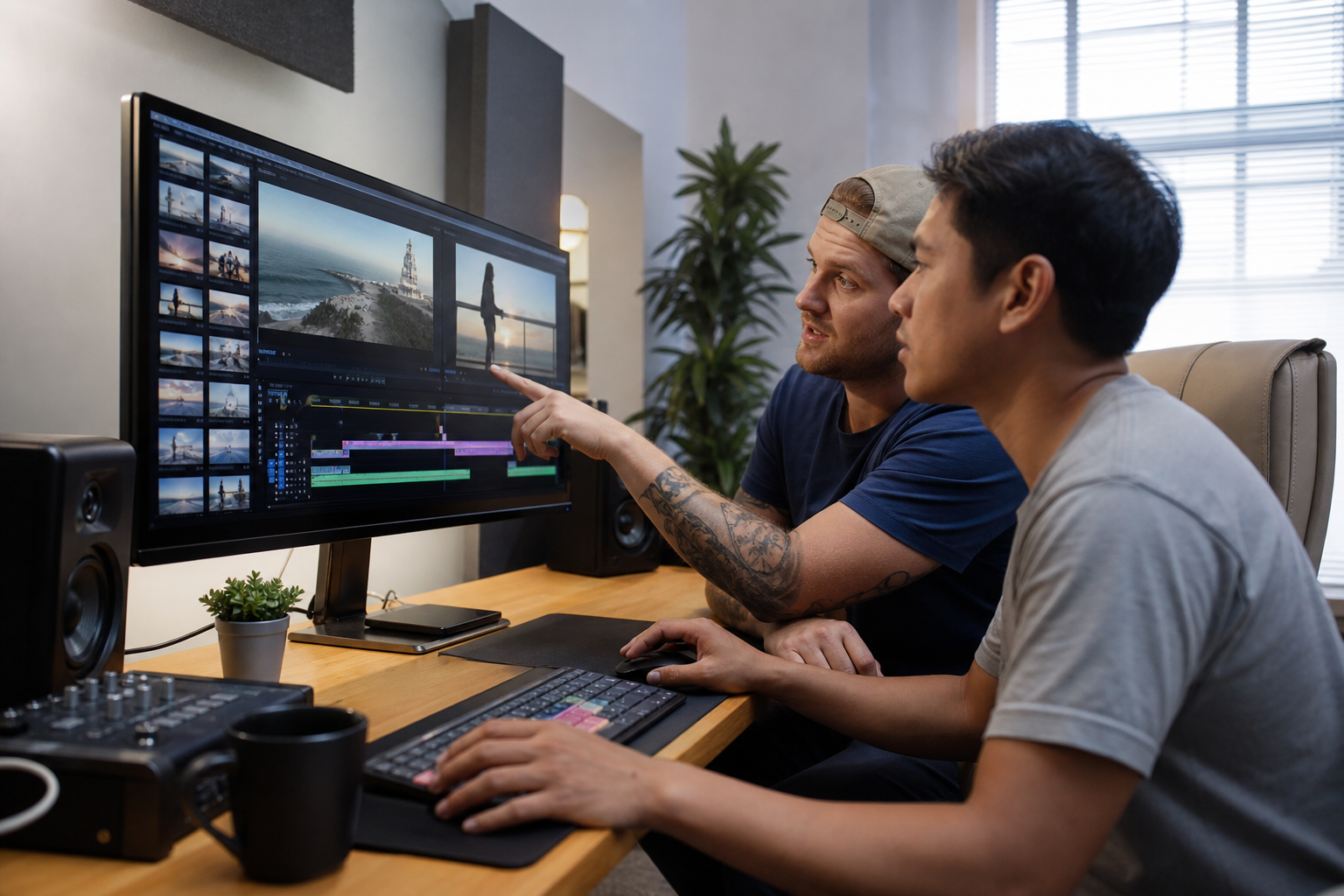
Where Remote Video Editing Works Better
Remote video editing fits creators who record independently and need a repeatable path from upload to approval. The editor can work from a shared brief, brand assets, reference videos, and organized folders without waiting for an in-person meeting.
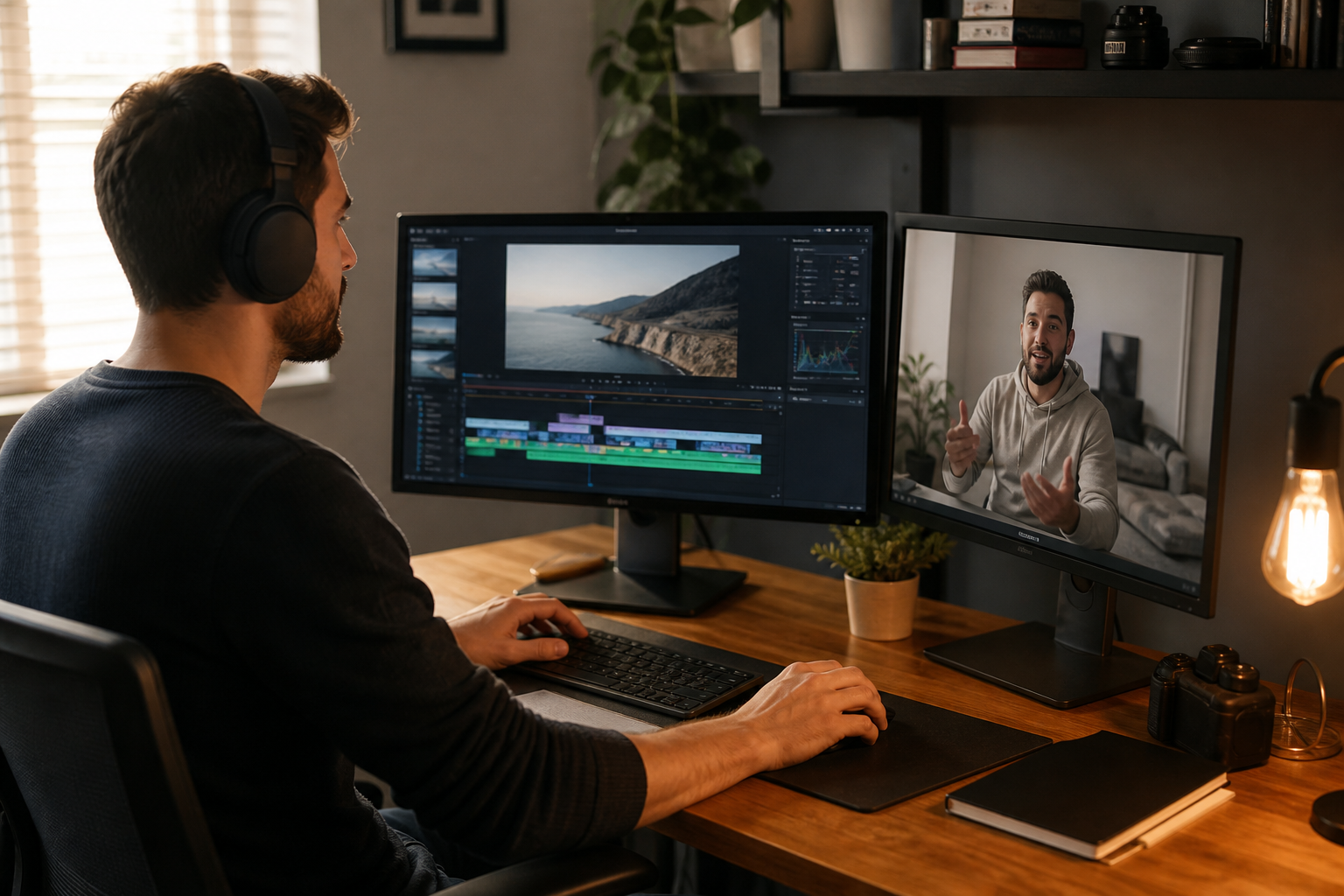
This model also supports recurring content. A documented system gives editors the intro style, lower-thirds, music rules, caption preferences, and export presets needed for consistent output. Synergy Creations Digital offers professional video editing services for creators who want that kind of ongoing remote setup.
Remote teams can match the format
Platform experience deserves more weight than location. A YouTube editor should know how to cut pauses without making speech feel unnatural, place pattern interrupts with restraint, and leave room for end screens. A short-form editor needs a different sense of pace, framing, captions, and first-second hooks.
Compare the site’s YouTube vlog editing, talking-head video editing, and short-form video editing pages to see how the post-production choices change by format.
How Remote Video Editing Works From Upload to Final Cut
A remote editing project usually follows six stages: brief, transfer, first cut, review, revisions, and final exports. The process works best when both sides agree on naming, feedback, turnaround, and approval rules before the first file moves.
- Send the brief. Include the goal, audience, target length, aspect ratio, deadline, references, and required call to action.
- Transfer the footage. Upload camera files, audio, graphics, brand files, scripts, and music notes into labeled folders.
- Confirm the media. The editor checks file integrity, missing assets, sync issues, and technical details before cutting.
- Review the first cut. Watch through once, then leave time-coded notes in one review platform.
- Approve revisions. Keep decision-makers in one feedback thread and resolve conflicting notes before sending them.
- Receive final exports. Confirm resolution, codec, captions, thumbnails, and platform-specific versions.
If you want a fuller setup checklist, use this step-by-step process for outsourcing video editing. Creators planning a content calendar should also account for the factors in typical video editing timelines.
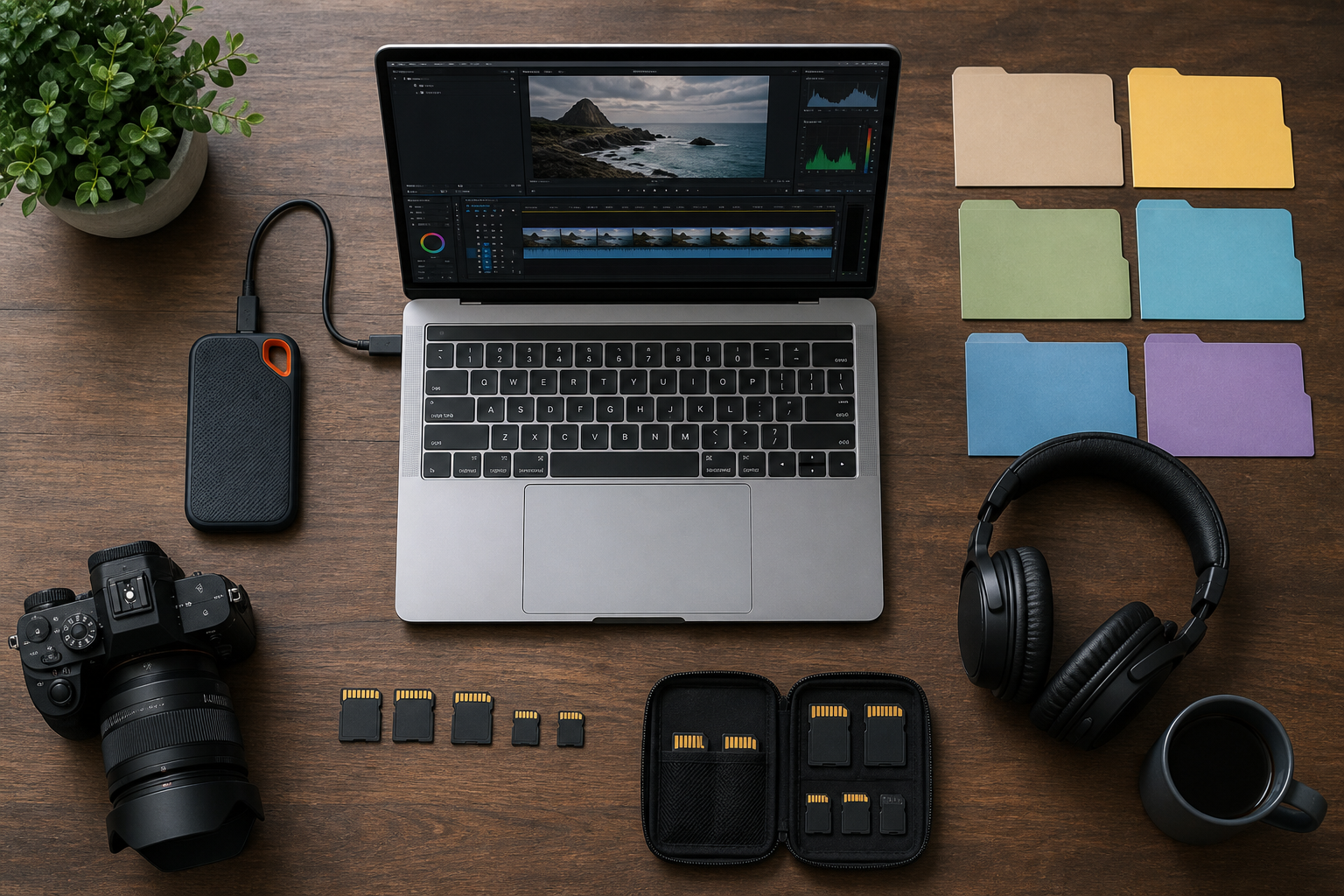
How to Share Large Video Files Without Creating Chaos
Use a cloud folder with a fixed structure, keep original file names, and upload every related asset before the editor starts. For slow connections or very large camera files, create proxy media or ship an encrypted SSD while keeping the review process online.
A practical folder structure looks like this:
- 01_Raw_Footage, separated by camera or shoot date
- 02_Audio
- 03_Graphics_and_Brand
- 04_Project_Brief
- 05_Review_Exports
- 06_Final_Deliverables
Google says Drive can store individual files up to 5 TB when the account has enough storage, though upload limits and plan storage still apply. Check the current Google Drive file limits before sending a large batch.
Never rename camera clips after recording unless every linked audio and proxy file follows the same convention. Duplicate names such as C0001.mp4 from several cards should sit in separate card folders. Hash checks or transfer verification add protection for high-value footage.
Feedback Quality Decides How Fast the Edit Moves
Remote review becomes slow when comments arrive through email, text messages, voice notes, and several documents. Put every note in one place, attach it to a timecode, and assign one person to settle conflicting requests.
"Make it pop" gives an editor nothing firm to change. "At 00:42, replace the wide shot with the product close-up and remove the pause before the claim" is usable. Good notes name the time, requested change, and reason when context helps.
Set revision boundaries in the brief. New footage, a rewritten script, or a different creative direction changes the scope. A correction to a missed note belongs in the existing review cycle.
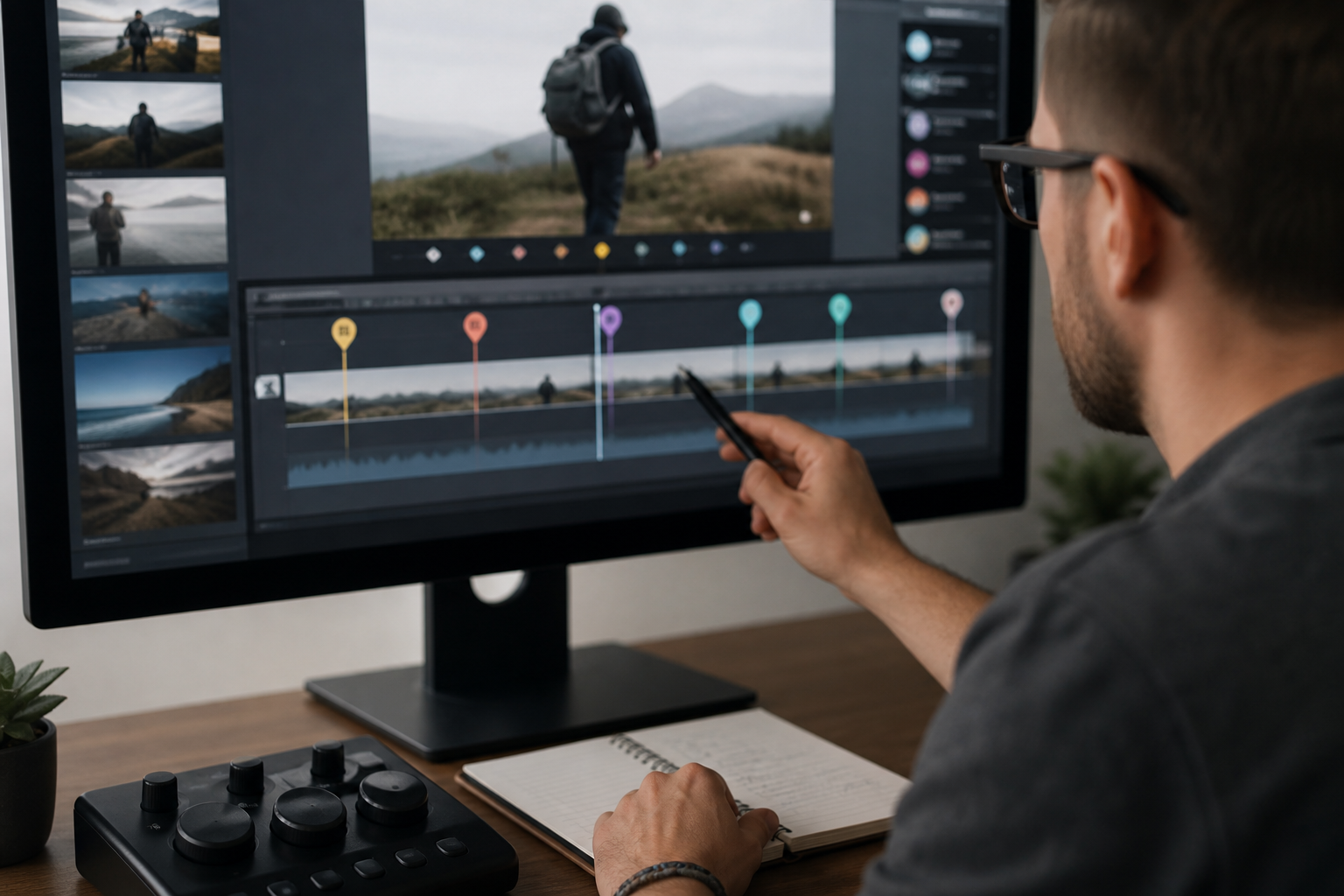
How to Vet a Video Editor Near Me or Online
Judge editors by relevant samples, communication habits, and process. A glossy reel can hide weak long-form storytelling, poor audio cleanup, or missed deadlines. Ask for complete examples in the format you publish and run a paid trial with a small, representative project.
Ask these questions before the trial
- Which projects in your portfolio are closest to my format?
- Who will edit my footage, and who checks the final export?
- Which tools do you use for transfer, review, and backup?
- How many feedback rounds are included in the agreed scope?
- What overlap hours do you keep with US time zones?
- How do you handle licensed music, stock footage, and fonts?
- What happens if an editor is unavailable near a deadline?
A solo freelancer and an editing company can both produce strong work. The difference often appears in backup coverage, account management, and capacity during busy weeks. This agency-versus-freelancer comparison can help you match the setup to your publishing schedule.
Protect your footage and channel
Use a written agreement that covers confidentiality, ownership of final work, licensed assets, raw-file retention, and deletion. Share only the access an editor needs. For YouTube, use channel permissions instead of sending your main Google password.
Keep an independent copy of raw footage and approved masters. A cloud folder is useful for transfer, but it shouldn’t be your only archive.
Key Takeaways for US Creators
- Hire locally when in-person media handling, on-set support, or live edit sessions improve the project.
- Hire remotely when format expertise and a repeatable online workflow carry more weight than location.
- Test the working relationship with a representative project before assigning a content backlog.
- Use one folder system and one review tool.
- Agree on scope, delivery stages, licensed assets, security, and approval ownership in writing.
Final Thoughts
A nearby editor can be a smart hire, but proximity doesn’t guarantee a better edit. Choose the person or team whose samples match your format and whose process makes feedback, file transfer, and delivery easy to track. Ready to test a remote workflow? Send Synergy Creations Digital your project brief and request a sample project plan for your channel.
Frequently Asked Questions
Do I need a local video editor?
You need a local video editor when the work depends on physical drive handoffs, on-set help, or regular in-person review. If you already record your content and can upload the footage, a remote editor can handle most post-production tasks without affecting quality.
How does remote video editing work?
You send footage, a brief, and brand assets through a shared folder. The editor creates a first cut and sends it through an online review tool. You leave time-coded comments, the editor applies the agreed revisions, and final files arrive in the required platform formats.
Is a remote editor cheaper than a local one?
Location alone doesn’t determine the commercial terms. Project complexity, raw footage length, motion graphics, turnaround, revision scope, and the editor’s experience have more influence. Compare the full scope, communication process, and expected output instead of using distance as a shortcut.
How do I share large video files remotely?
Use Google Drive, Dropbox, Frame.io, or another managed transfer service. Preserve original file names and organize footage by camera or recording date. Proxy files can reduce transfer time, while an encrypted shipped drive can handle very large projects or slow upload connections.
Can a remote editor match my style?
Yes, if you provide references and concrete rules. Share approved videos, pacing notes, fonts, colors, caption style, music preferences, and examples of edits you dislike. A short trial shows whether the editor can apply those directions consistently.
Which time zone should my remote editor work in?
The editor doesn’t need to keep your full schedule. Agree on a daily overlap window for questions and reviews, then set response expectations. Asynchronous work can keep projects moving outside your recording hours.
Should I give a remote editor access to my YouTube channel?
Only when publishing is part of the assignment. Use YouTube channel permissions and grant the lowest access level that covers the task. Never share the main Google account password, and remove access when the engagement ends.