
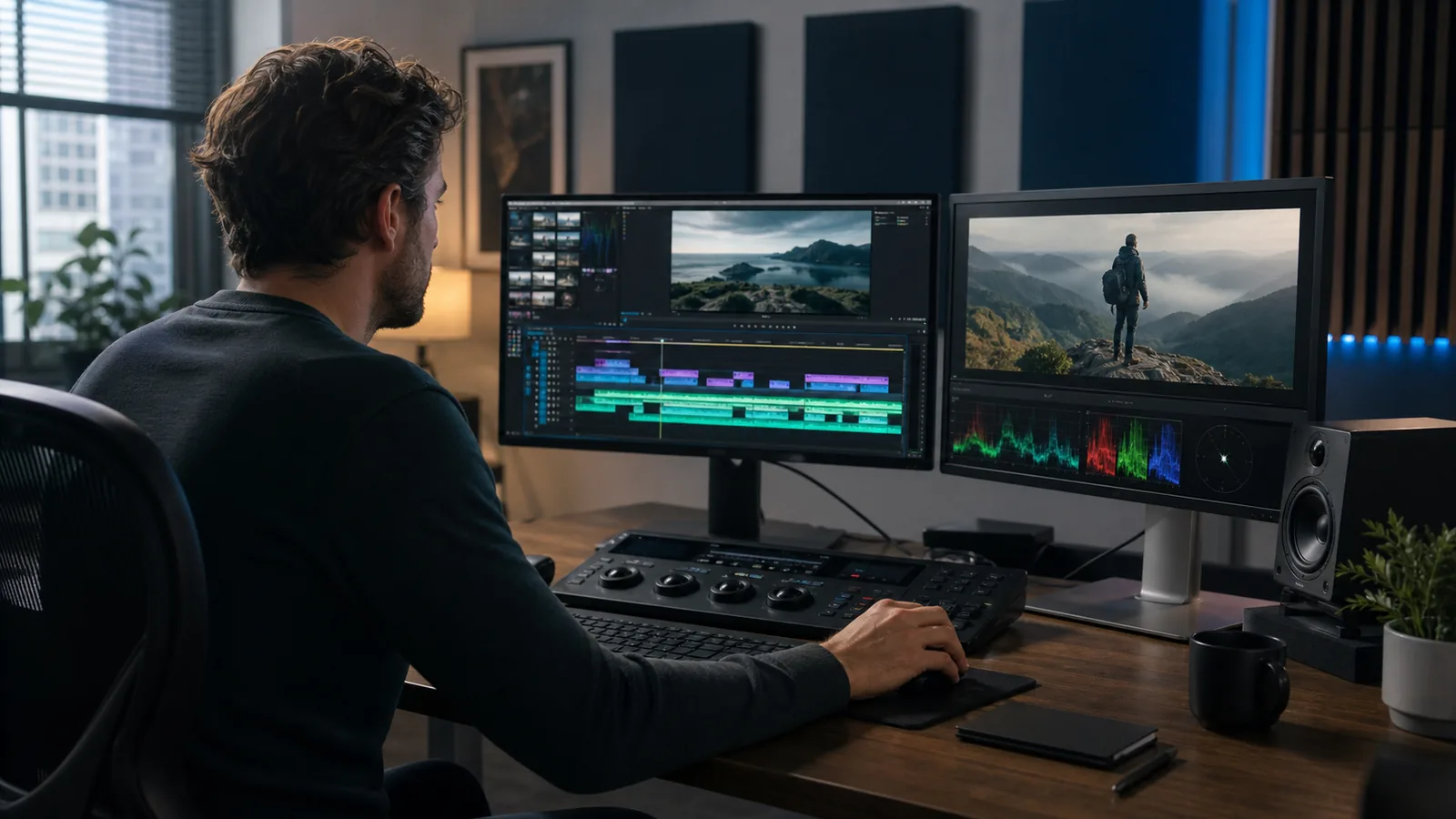
What Does a Video Editor Do From Start to Finish?
A video editor turns recorded material into a finished video that communicates one clear idea. The work runs from file organization and story assembly through sound, color, graphics, revisions, quality control, and export. Editors also solve continuity problems that viewers may never notice because a good cut makes the sequence feel natural.
The U.S. Bureau of Labor Statistics describes editors as professionals who organize digital footage, arrange material recorded by camera operators, and work with producers and directors on the final content. That definition covers film and broadcast work, but the same foundation applies to YouTube videos, ads, training videos, podcasts, courses, and social clips.
1. Review the brief and intended audience
Editing starts before the timeline. The editor needs the video’s goal, viewer, platform, desired length, brand references, and call to action. A YouTube tutorial needs room to teach. A social ad usually needs a faster opening.
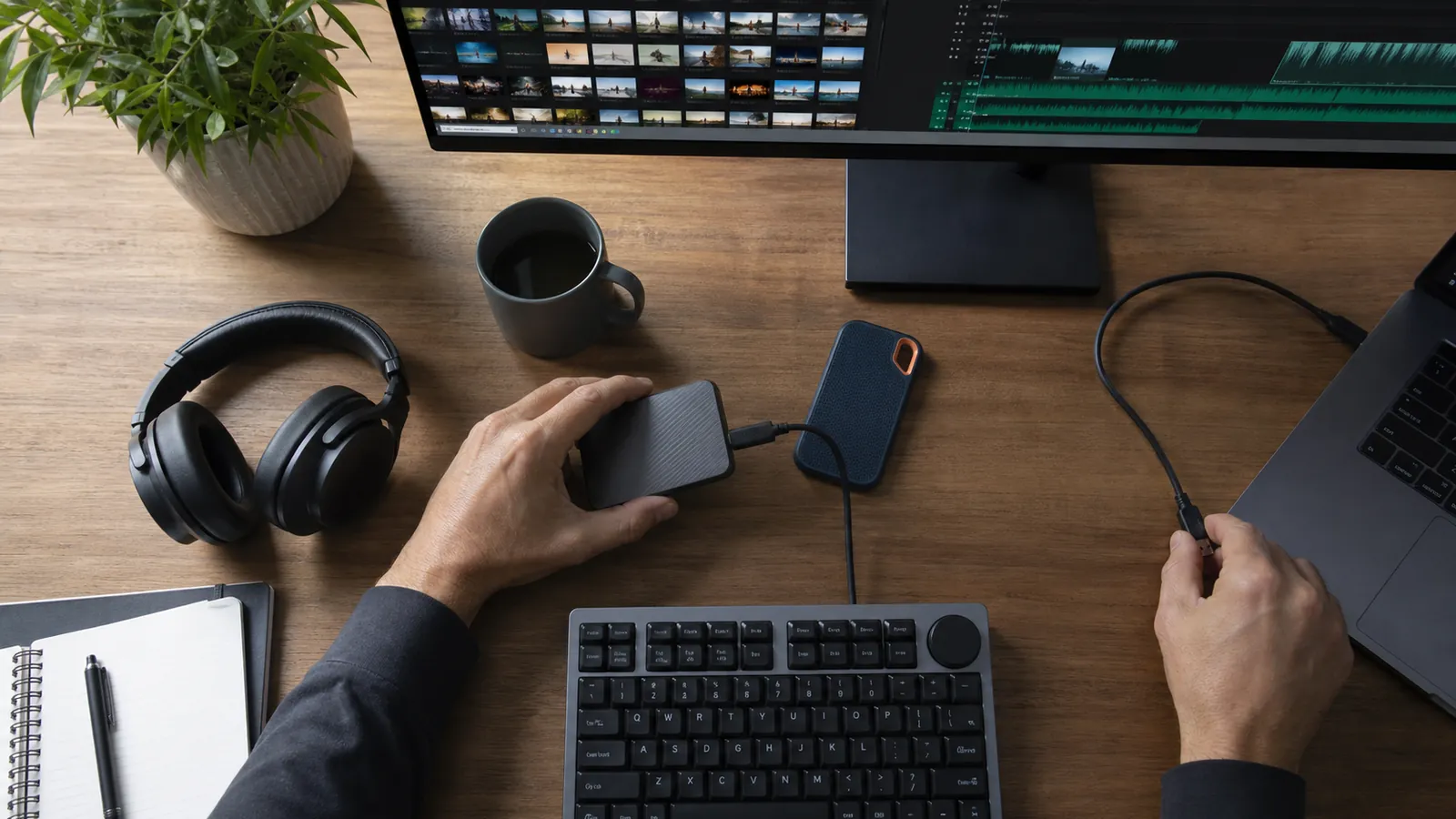
2. Organize and back up the media
Editors sort A-roll, B-roll, music, voice-over, graphics, and project files. They check formats and often create proxies, which are lighter copies that play smoothly during the edit. Our breakdown of raw footage into professional content shows why this setup saves trouble later.
3. Sync cameras and recorded audio
Many productions record sound separately. The editor lines it up with the picture, then syncs additional camera angles. Accurate sync keeps lips, reactions, and cuts from feeling off.
4. Build the rough cut
The rough cut answers the story questions. Editors select takes, remove mistakes and repetition, then arrange scenes before polishing them. Clients usually review structure here because moving a section is easier before graphics and sound work are finished.
5. Refine pacing and continuity
The fine cut tightens transitions. An editor may shorten a pause, cover a jump cut with B-roll, or hold on a reaction long enough to register. See the core elements of video editing for more on story, rhythm, sound, and color.
6. Clean dialogue and shape the soundtrack
Viewers forgive an imperfect image sooner than dialogue they can’t follow. Editors reduce steady noise, balance voices, remove distracting clicks, and place music under speech. Larger productions may send the session to a sound specialist.
7. Correct color and create a consistent look
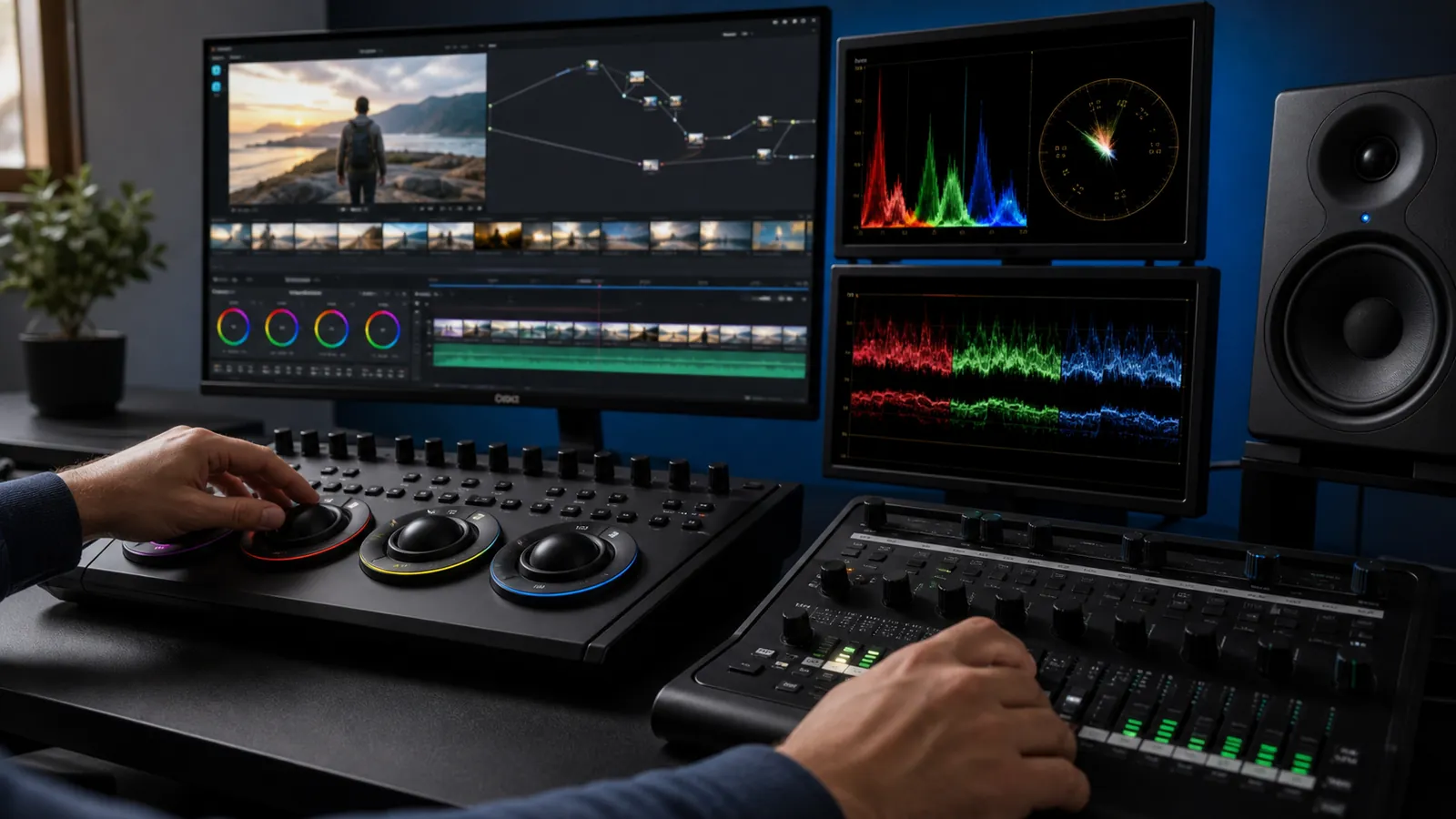
Color correction fixes exposure, white balance, and mismatched cameras. Grading shapes mood and style. Editors use scopes as well as their eyes because screens display the same image differently.
8. Add titles, captions, and motion graphics
Editors place lower thirds, chapter cards, prompts, and captions where they support the message. Complex animation may move to a motion designer. Synergy Creations offers motion graphics services for work beyond basic text and transitions.
9. Adapt one edit for each platform
A horizontal YouTube video and a vertical Reel need different framing. Editors reframe shots, move captions away from interface buttons, and export to platform specs. The short-form video editing service handles vertical, mobile-first cuts.
10. Manage feedback and revisions
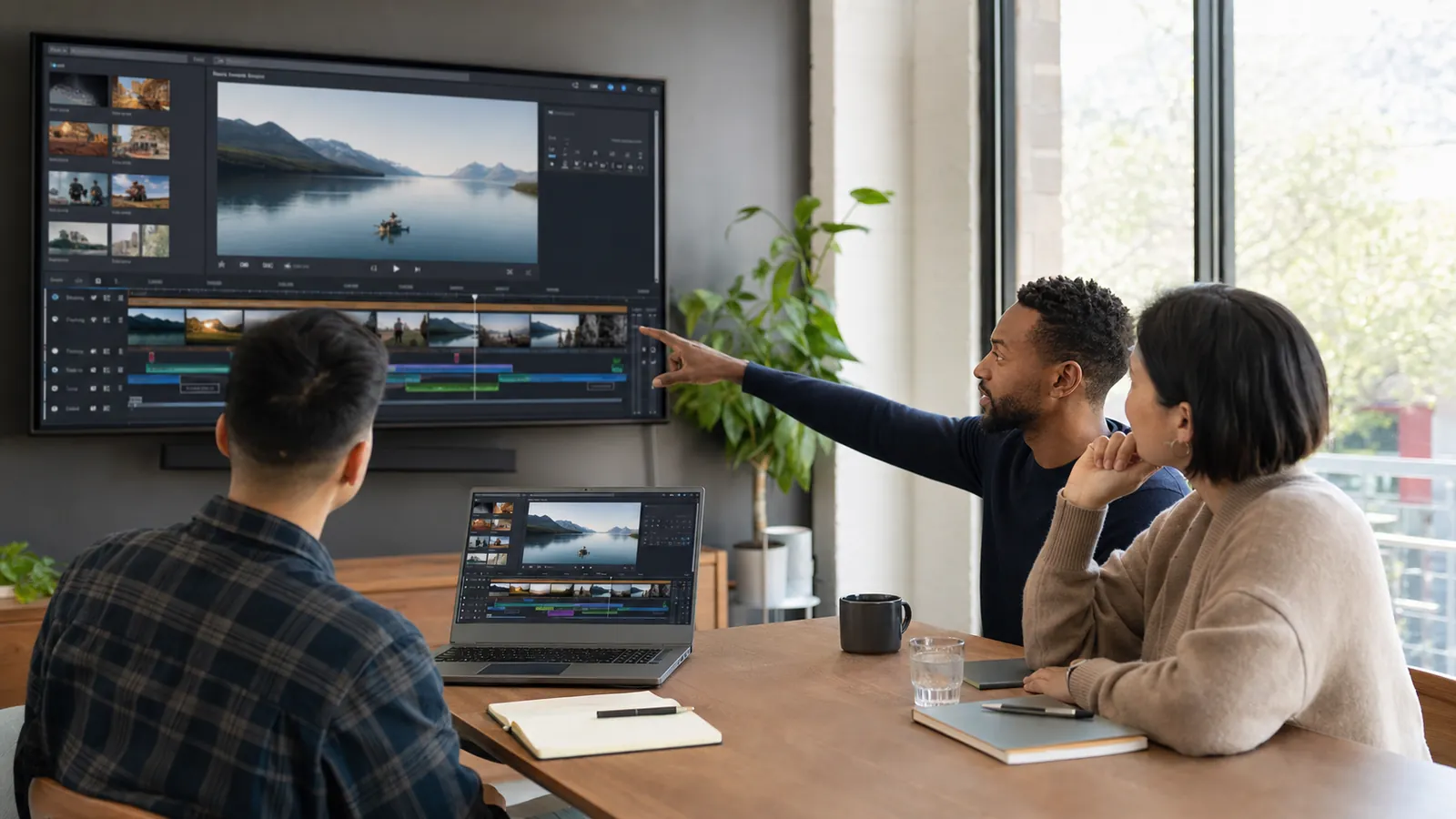
Editors translate comments such as “make it feel faster” into specific changes. A clean review uses time-coded notes and one decision-maker. Editors also flag requests that create continuity errors or weaken the message.
11. Run quality control
Before delivery, the editor watches the full export. They check spelling, captions, audio peaks, blank frames, missing media, color shifts, and graphic placement. Headphones and speakers expose different audio problems.
12. Export, label, and deliver the final files
The final step matches codec, resolution, aspect ratio, frame rate, and audio settings to the destination. An editor may provide a master and several platform versions. Clear file names prevent “final_v7_really_final” confusion.
What Does a Video Editor Do That Software Cannot?
Editing software can transcribe speech, detect silence, resize a sequence, and suggest cuts. A professional editor decides what the audience should feel, what information comes next, and which moment earns attention.
A pause may be dead air, or it may make a joke work. A shaky shot may hold the only honest reaction.
Professional video editing services also bring process. One team owns versions, review notes, export settings, and delivery. That helps when a business publishes often.
Video Editor vs. Videographer vs. Post-Production Team
These jobs overlap, especially on small projects, but they solve different parts of production. A videographer records the footage. A video editor shapes recorded material into the finished sequence. Post-production is the wider phase that can include editing, sound mixing, color work, visual effects, animation, captions, and final delivery.
| Professional | Main responsibility | Typical stage |
|---|---|---|
| Videographer | Plans and records picture and production sound | Production |
| Video editor | Selects, arranges, and refines footage | Post-production |
| Motion designer | Creates animated titles, graphics, and visual systems | Post-production |
| Colorist | Matches shots and builds the final visual look | Post-production |
| Sound editor or mixer | Cleans, balances, and finishes audio | Post-production |
One person may handle several jobs on a short video. Larger productions may split them among specialists.
When Does Hiring a Video Editor Make Sense?
Hire an editor when the editing queue delays publishing, the footage needs skills you don’t have, or the finished video represents your brand in a high-stakes setting. The strongest signal is repeatability. If you record the same kind of content every week, a documented editing system can free your team to film, sell, teach, or serve clients.
You probably need an editor when:
- Raw footage keeps piling up on drives.
- A single video takes you several work sessions to finish.
- Your sound, color, or pacing changes from one upload to the next.
- You need several aspect ratios, caption styles, or cutdowns from each recording.
- Stakeholders send conflicting notes and no one manages versions.
- Your content needs animation, multicamera sync, or careful audio repair.
- Missed publishing dates affect a launch or campaign.
Creators who mainly film themselves can start with talking-head video editing. Teams planning regular handoffs can follow this video editing outsourcing process before sending the first batch.
When Can You Edit the Video Yourself?
DIY editing works when the format is simple and the schedule is flexible. Trimming an update, adding captions, or assembling a personal video can stay in-house. A reusable template speeds up recurring clips.
Keep editing in-house if you can meet the release date without neglecting higher-value work. You still need reliable files, brand references, and correct exports. If those pieces keep breaking, the handoff is overdue.
If you decide to hire, the video editing agency vs. freelancer comparison explains which setup fits a one-off project and which suits recurring production.
What Should You Give an Editor Before Work Begins?
A useful handoff gives the editor enough context to work without guessing. Send the media, script or outline, brand assets, music licenses, references, delivery specs, and one set of notes. Mark required moments and footage that cannot appear.
Include these details in the brief:
- The video’s goal and intended viewer
- Target length and publishing platform
- Required message, product detail, or call to action
- Visual references and brand rules
- Deadline, review owner, and approval process
- Required exports, captions, and aspect ratios
For sensitive footage, agree on storage access, retention, and deletion before transfer. Keep an untouched copy of the camera originals. Editors work non-destructively inside project files, but your source backup remains the safest recovery point.
Key Takeaways
- A video editor turns raw recordings into a clear, watchable story.
- The job covers media organization, story assembly, sound, color, graphics, revisions, quality control, and delivery.
- Videographers capture footage. Editors shape it after filming.
- Editing is one part of the broader post-production process.
- Hire an editor when editing delays output, quality changes from project to project, or one recording needs many finished versions.
Final Thoughts
A good editor gives every shot a job and removes what gets in the way. If your footage is ready but the finished videos keep slipping, review Synergy Creations’ recent work and send the team your project brief for a practical editing plan.